
- Blog Categories
- Project Management
- Agile Management
- IT Service Management
- Cloud Computing
- Business Management
- BI And Visualisation
- Quality Management
- Cyber Security
- DevOps
- Most Popular Blogs
- PMP Exam Schedule for 2025: Check PMP Exam Date
- Top 60+ PMP Exam Questions and Answers for 2025
- PMP Cheat Sheet and PMP Formulas To Use in 2025
- What is PMP Process? A Complete List of 49 Processes of PMP
- Top 15+ Project Management Case Studies with Examples 2025
- Top Picks by Authors
- Top 170 Project Management Research Topics
- What is Effective Communication: Definition
- How to Create a Project Plan in Excel in 2025?
- PMP Certification Exam Eligibility in 2025 [A Complete Checklist]
- PMP Certification Fees - All Aspects of PMP Certification Fee
- Most Popular Blogs
- CSM vs PSM: Which Certification to Choose in 2025?
- How Much Does Scrum Master Certification Cost in 2025?
- CSPO vs PSPO Certification: What to Choose in 2025?
- 8 Best Scrum Master Certifications to Pursue in 2025
- Safe Agilist Exam: A Complete Study Guide 2025
- Top Picks by Authors
- SAFe vs Agile: Difference Between Scaled Agile and Agile
- Top 21 Scrum Best Practices for Efficient Agile Workflow
- 30 User Story Examples and Templates to Use in 2025
- State of Agile: Things You Need to Know
- Top 24 Career Benefits of a Certifed Scrum Master
- Most Popular Blogs
- ITIL Certification Cost in 2025 [Exam Fee & Other Expenses]
- Top 17 Required Skills for System Administrator in 2025
- How Effective Is Itil Certification for a Job Switch?
- IT Service Management (ITSM) Role and Responsibilities
- Top 25 Service Based Companies in India in 2025
- Top Picks by Authors
- What is Escalation Matrix & How Does It Work? [Types, Process]
- ITIL Service Operation: Phases, Functions, Best Practices
- 10 Best Facility Management Software in 2025
- What is Service Request Management in ITIL? Example, Steps, Tips
- An Introduction To ITIL® Exam
- Most Popular Blogs
- A Complete AWS Cheat Sheet: Important Topics Covered
- Top AWS Solution Architect Projects in 2025
- 15 Best Azure Certifications 2025: Which one to Choose?
- Top 22 Cloud Computing Project Ideas in 2025 [Source Code]
- How to Become an Azure Data Engineer? 2025 Roadmap
- Top Picks by Authors
- Top 40 IoT Project Ideas and Topics in 2025 [Source Code]
- The Future of AWS: Top Trends & Predictions in 2025
- AWS Solutions Architect vs AWS Developer [Key Differences]
- Top 20 Azure Data Engineering Projects in 2025 [Source Code]
- 25 Best Cloud Computing Tools in 2025
- Most Popular Blogs
- Company Analysis Report: Examples, Templates, Components
- 400 Trending Business Management Research Topics
- Business Analysis Body of Knowledge (BABOK): Guide
- ECBA Certification: Is it Worth it?
- Top Picks by Authors
- Top 20 Business Analytics Project in 2025 [With Source Code]
- ECBA Certification Cost Across Countries
- Top 9 Free Business Requirements Document (BRD) Templates
- Business Analyst Job Description in 2025 [Key Responsibility]
- Business Analysis Framework: Elements, Process, Techniques
- Most Popular Blogs
- Best Career options after BA [2025]
- Top Career Options after BCom to Know in 2025
- Top 10 Power Bi Books of 2025 [Beginners to Experienced]
- Power BI Skills in Demand: How to Stand Out in the Job Market
- Top 15 Power BI Project Ideas
- Top Picks by Authors
- 10 Limitations of Power BI: You Must Know in 2025
- Top 45 Career Options After BBA in 2025 [With Salary]
- Top Power BI Dashboard Templates of 2025
- What is Power BI Used For - Practical Applications Of Power BI
- SSRS Vs Power BI - What are the Key Differences?
- Most Popular Blogs
- Data Collection Plan For Six Sigma: How to Create One?
- Quality Engineer Resume for 2025 [Examples + Tips]
- 20 Best Quality Management Certifications That Pay Well in 2025
- Six Sigma in Operations Management [A Brief Introduction]
- Top Picks by Authors
- Six Sigma Green Belt vs PMP: What's the Difference
- Quality Management: Definition, Importance, Components
- Adding Green Belt Certifications to Your Resume
- Six Sigma Green Belt in Healthcare: Concepts, Benefits and Examples
- Most Popular Blogs
- Latest CISSP Exam Dumps of 2025 [Free CISSP Dumps]
- CISSP vs Security+ Certifications: Which is Best in 2025?
- Best CISSP Study Guides for 2025 + CISSP Study Plan
- How to Become an Ethical Hacker in 2025?
- Top Picks by Authors
- CISSP vs Master's Degree: Which One to Choose in 2025?
- CISSP Endorsement Process: Requirements & Example
- OSCP vs CISSP | Top Cybersecurity Certifications
- How to Pass the CISSP Exam on Your 1st Attempt in 2025?
- Most Popular Blogs
- Top 7 Kubernetes Certifications in 2025
- Kubernetes Pods: Types, Examples, Best Practices
- DevOps Methodologies: Practices & Principles
- Docker Image Commands
- Top Picks by Authors
- Best DevOps Certifications in 2025
- 20 Best Automation Tools for DevOps
- Top 20 DevOps Projects of 2025
- OS for Docker: Features, Factors and Tips
- More
- Agile & PMP Practice Tests
- Agile Testing
- Agile Scrum Practice Exam
- CAPM Practice Test
- PRINCE2 Foundation Exam
- PMP Practice Exam
- Cloud Related Practice Test
- Azure Infrastructure Solutions
- AWS Solutions Architect
- IT Related Pratice Test
- ITIL Practice Test
- Devops Practice Test
- TOGAF® Practice Test
- Other Practice Test
- Oracle Primavera P6 V8
- MS Project Practice Test
- Project Management & Agile
- Project Management Interview Questions
- Release Train Engineer Interview Questions
- Agile Coach Interview Questions
- Scrum Interview Questions
- IT Project Manager Interview Questions
- Cloud & Data
- Azure Databricks Interview Questions
- AWS architect Interview Questions
- Cloud Computing Interview Questions
- AWS Interview Questions
- Kubernetes Interview Questions
- Web Development
- CSS3 Free Course with Certificates
- Basics of Spring Core and MVC
- Javascript Free Course with Certificate
- React Free Course with Certificate
- Node JS Free Certification Course
- Data Science
- Python Machine Learning Course
- Python for Data Science Free Course
- NLP Free Course with Certificate
- Data Analysis Using SQL
- Home
- Blog
- Business Intelligence And Visualization
- Power BI with AI vs Traditional Data Analytics: What’s Different?
Power BI with AI vs Traditional Data Analytics: What’s Different?
Updated on Aug 11, 2026 | 0.5k+ views
Share:
Table of Contents
View all
- Power BI with AI and Traditional Data Analytics: Key Differences
- What Is Power BI with AI?
- What Is Traditional Data Analytics?
- Advantages and Disadvantages of Traditional Data Analytics
- How Do Power BI with AI and Traditional Data Analytics Compare for Real Business Tasks?
- Power BI with AI vs Traditional Data Analytics: Which Should You Choose?
- Conclusion
Quick Overview
- Power BI with AI combines business intelligence with AI assisted analysis, natural language queries, automated insights, and pattern detection.
- Traditional data analytics relies more on manual queries, predefined reports, and analyst driven interpretation of historical data.
- Power BI with AI is better suited for faster insight generation and interactive business analysis, while traditional analytics works well for structured and controlled reporting.
- This guide compares Power BI with AI vs traditional data analytics, including their features, use cases, analytical approaches, and which option may be the better fit.
Build practical data and analytics skills with Microsoft Power BI Training.
Last Few Days to Save Up To 90% on Career Transformation
Ends December 1 – Don't Miss Out!
Power BI with AI and Traditional Data Analytics: Key Differences
The differences become clearer when comparing how each approach handles data exploration, automation, visualization, and decision making.
Feature |
Power BI with AI |
Traditional Data Analytics |
| Primary Focus | AI assisted analysis and insights | Manual analysis and reporting |
| Best For | Faster insights and interactive decision making | Structured reporting and detailed analysis |
| Data Exploration | Natural language and AI assisted exploration | Manual queries and predefined reports |
| Automation | Higher | More manual |
| Insights | AI generated patterns and summaries | Analyst driven interpretation |
| Visualization | AI assisted recommendations | Analyst selected visualizations |
| Decision Making | Faster insight generation | Greater reliance on analyst interpretation |
The Power BI with AI vs traditional data analytics choice depends on the type of analysis, reporting requirements, level of automation, and amount of human control needed.
Start building practical skills with AI Powered Data Analytics with Power BI, even as a beginner.
What Is Power BI with AI?
Power BI with AI combines business intelligence capabilities with AI assisted features to help users explore data, generate insights, create visualizations, and interact with reports using more natural forms of interaction.
Its purpose is to make data analysis more accessible while helping analysts and business teams reduce repetitive work.
Common use cases of Power BI
Power BI with AI can support:
- Business performance monitoring
- Sales analysis
- Financial reporting
- Customer analysis
- Executive dashboards
- Operational reporting
- Trend identification
- Ad hoc business questions
It can help users move from raw information to useful insights without depending entirely on manually created reports.
Advantages and disadvantages of Power BI
Power BI offers faster data exploration, interactive dashboards, and AI assisted insights, but its results depend on data quality and proper validation.
Advantages
- Faster data exploration
- Interactive dashboards
- AI assisted insights
- Natural language-based analysis
- Reduced repetitive reporting work
- Easier access to business information
Disadvantages
- AI generated insights still require validation
- Advanced analysis may require experienced analysts
- Results depend on data quality
- AI features may require additional configuration
- Complex analytical requirements may still need traditional methods
Key features of Power BI
Important capabilities include:
- Interactive dashboards
- Data visualization
- Natural language queries
- AI assisted insights
- Automated analysis
- Data modeling
- Report creation
- Business performance monitoring
Explore whether Power BI with AI is a valuable career skill for 2026.
What Is Traditional Data Analytics?
Traditional data analytics refers to established approaches where analysts collect, prepare, query, analyze, and interpret data using structured analytical methods.
Its purpose is to provide controlled and detailed analysis based on defined processes, statistical techniques, business rules, and analyst expertise.
Common use cases of Traditional Data Analytics
Traditional analytics is commonly used for:
- Financial reporting
- Regulatory reporting
- Statistical analysis
- Historical analysis
- Business forecasting
- Performance measurement
- Operational reporting
- Detailed data investigation
These processes remain important when accuracy, consistency, and analytical control are major priorities.
Advantages and Disadvantages of Traditional Data Analytics
Traditional data analytics offers strong analyst control and detailed analysis, but it can require more manual effort and specialized expertise.
Advantages
- Strong analyst control
- Structured analytical processes
- Detailed statistical analysis
- Consistent reporting
- Greater control over analytical methodology
- Suitable for complex data investigations
Disadvantages
- Can require more manual effort
- Report creation may take longer
- Requires skilled analysts
- Less accessible to non-technical users
- Repetitive reporting can consume significant time
Key features of Traditional Data Analytics
Traditional analytics generally involves:
- Data collection
- Data cleaning
- Data preparation
- Query creation
- Statistical analysis
- Data interpretation
- Report generation
- Analyst driven decision support
Learn how AI enhances data analysis and decision making with AI Powered Data Analytics with Power BI.
How Do Power BI with AI and Traditional Data Analytics Compare for Real Business Tasks?
The difference in Power BI with AI vs traditional data analytics becomes clearer when both approaches are applied to practical business requirements. Power BI with AI focuses on faster exploration and AI assisted insights, while traditional analytics offers greater control over structured and detailed analysis.
The best approach depends on the type of business task and the depth of analysis required:
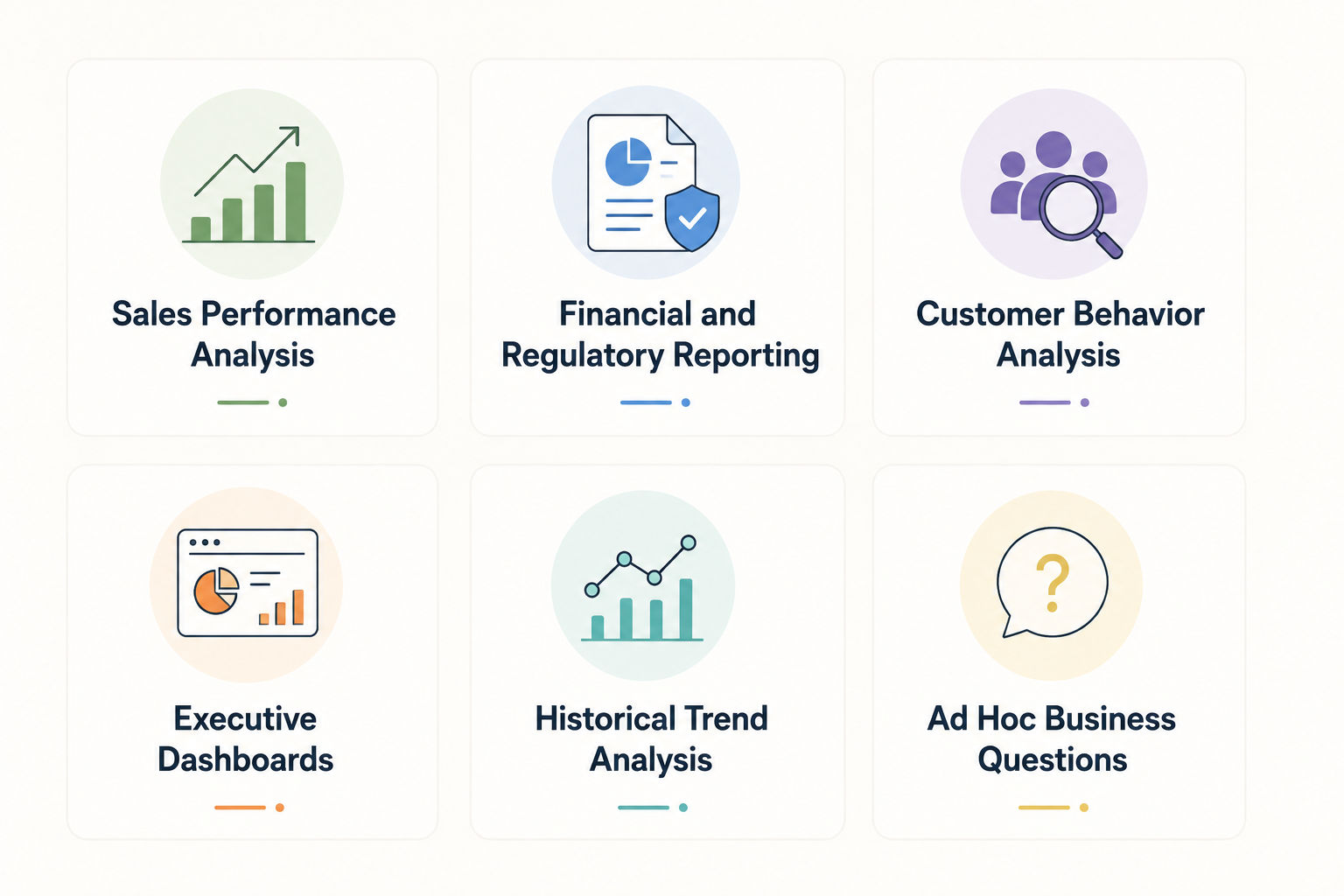
1. Sales Performance Analysis
Power BI with AI can support faster exploration of sales data and help users identify relevant patterns through interactive analysis.
Traditional analytics can provide deeper control over calculations, reporting logic, and customized sales analysis.
Better fit: Power BI with AI when speed and exploration are priorities. Traditional analytics when detailed analytical control is required.
2. Financial and Regulatory Reporting
Traditional analytics can be better suited to structured financial and regulatory reporting where predefined calculations, controls, and consistent reporting processes are important.
Power BI can still support financial dashboards and reporting, particularly when interactive monitoring is required.
Better fit: Traditional analytics for highly controlled reporting processes.
3. Customer Behavior Analysis
Power BI with AI can help teams explore customer data interactively and identify patterns across different customer segments.
Traditional analytics can provide deeper analysis when advanced statistical methods or detailed modeling are required.
Better fit: Power BI with AI for faster exploration and Traditional analytics for advanced analytical investigation.
4. Executive Dashboards
Power BI with AI can help business leaders explore dashboards, identify important metrics, and access insights more quickly.
Traditional analytics can provide the underlying calculations and controlled reporting logic that support executive dashboards.
Better fit: Power BI with AI when interactive insight discovery is a priority.
5. Historical Trend Analysis
Both approaches can analyze historical data and identify changes over time.
Traditional analytics may provide greater control over statistical methods, while Power BI with AI can make trend exploration more accessible.
Better fit: Both, depending on analytical complexity and reporting requirements.
6. Ad Hoc Business Questions
Power BI with AI can support natural language-based exploration, allowing users to investigate business questions without creating every query manually.
Traditional analytics generally require analysts to create queries or reports based on the requested question.
Better fit: Power BI with AI when quick and interactive exploration is required.
Explore the Top Business Intelligence and Data Visualization Courses to build in demand analytics skills.
Power BI with AI vs Traditional Data Analytics: Which Should You Choose?
The right choice depends on the type of data work, level of automation, analytical complexity, and degree of human control required.
When comparing Power BI with AI vs traditional data analytics, organizations should consider:
- Reporting requirements
- Analytical complexity
- Data quality
- User skill levels
- Automation needs
- Governance requirements
- Speed of insight generation
- Need for statistical analysis
Choose Power BI with AI If...
Power BI with AI may be a better fit when:
- Faster insights are required
- Interactive dashboards are a priority
- Natural language analysis is useful
- AI assisted pattern discovery is needed
- Business users need easier data access
- Repetitive reporting should be reduced
- Quick exploration of business questions is important
It is particularly useful when organizations want business teams to interact with data without depending entirely on analysts for every basic question.
Follow the Best Learning Roadmap for Power BI and AI Analytics to build practical data and AI skills.
Choose Traditional Data Analytics If...
Traditional data analytics may be a better fit when:
- Highly controlled reporting is required
- Manual analytical control is important
- Complex statistical analysis is needed
- Established analytical processes are already in place
- Detailed data modeling is required
- Regulatory or compliance reporting needs strict consistency
- Specialized analytical expertise is available
Traditional analytics remains valuable because AI assisted tools do not eliminate the need for analytical expertise.
Conclusion
The key difference in Power BI with AI vs traditional data analytics is that Power BI with AI focuses on speed, automation, interactive exploration, and AI assisted insights, while traditional analytics offers greater control and detailed analysis.
Power BI with AI suits faster insight generation, while traditional analytics works well for complex and controlled analysis. Combining both can provide the best balance of speed, accuracy, and analytical depth.
Contact our upGrad KnowledgeHut experts for personalized guidance on choosing the right course, career path, and certification to achieve your goals.
Frequently Asked Questions (FAQs)
Can Power BI with AI explain why a business metric changed?
Yes. Power BI with AI can help identify patterns, trends, and factors associated with changes in business metrics. It can summarize the data and highlight relevant changes, but the findings should be reviewed against the underlying data.
How does Power BI with AI handle inaccurate or incomplete data?
AI generated insights depend on the quality of the underlying data and semantic model. Inaccurate, missing, or inconsistent data can affect the results. Data should therefore be cleaned and validated before relying on AI-generated insights.
Can Power BI with AI provide real-time business insights?
Power BI can support real-time or near-real-time reporting when connected to appropriate data sources and configurations. AI assisted capabilities can then help users explore available information and identify relevant insights more quickly.
Does Power BI with AI reduce the need for SQL and DAX?
Power BI with AI can reduce the need for SQL or DAX for some basic data exploration and reporting tasks. However, SQL and DAX remain valuable for advanced calculations, data modeling, transformations, and complex analytical requirements.
How does Power BI with AI validate AI generated insights?
AI-generated insights should be checked against the underlying data, measures, and semantic model. Human review remains important, particularly for financial, operational, or other high impact business decisions.
Can Power BI with AI detect anomalies automatically?
Yes. Power BI includes AI assisted capabilities that can help identify unusual patterns or changes in data. Analysts should investigate the underlying causes before treating an identified anomaly as a confirmed business issue.
How does AI affect data analyst roles in Power BI?
AI can reduce repetitive tasks such as basic exploration, summarization, and report assistance. Analysts remain important for data modeling, validation, advanced analysis, business interpretation, and making informed recommendations.
Can traditional data analytics and Power BI with AI be used together?
Yes. The two approaches can complement each other effectively. AI can support faster exploration and routine insights, while traditional analytics can provide detailed statistical analysis, validation, and greater methodological control.
What skills are needed to work with AI Powered Power BI?
Useful skills include Power BI, data visualization, data modeling, analytical thinking, and understanding business metrics. Knowledge of DAX, SQL, data preparation, and AI assisted analysis can further support advanced Power BI work.
Is Power BI with AI suitable for sensitive business data?
It can be used with sensitive business data when appropriate security, access controls, governance, and organizational policies are in place. Data permissions and configuration should be reviewed carefully before enabling AI assisted analysis.
1639 articles published
KnowledgeHut is an outcome-focused global ed-tech company. We help organizations and professionals unlock excellence through skills development. We offer training solutions under the people and proces...
Get Free Consultation
By submitting, I accept the T&C and
Privacy Policy